

Play Madness Driver Vertigo City
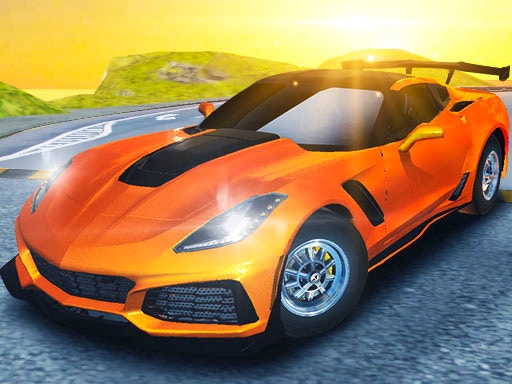
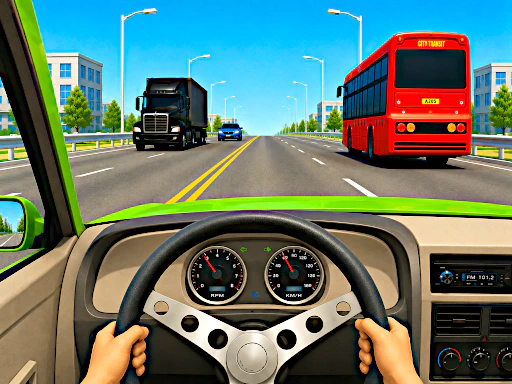
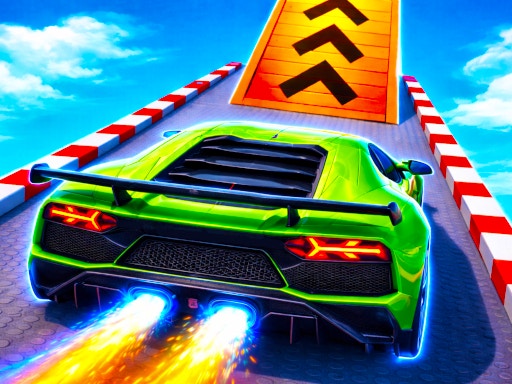
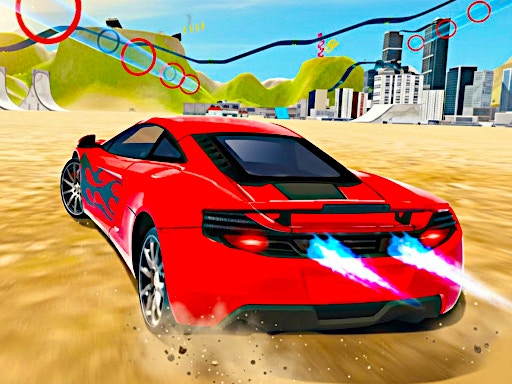
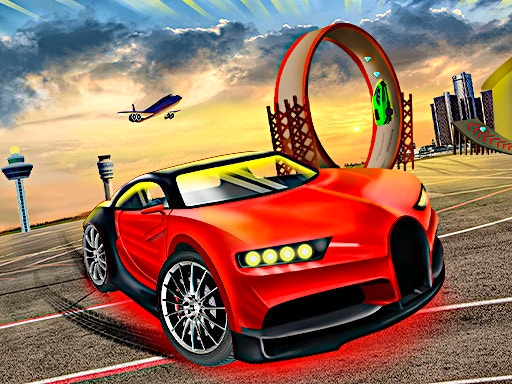
Madness Driver Vertigo City turns the city into a supercar playground filled with ramps, gems, races, and free drive activities. The focus is not only finishing first, but also exploring the vertical city and finding enough space to launch, land, and keep control.
The game supports solo driving and local two player action, so it works for quick free roam sessions as well as direct races against a friend. Car customization gives each run a more personal feel before you head back into the ramps.
How to Play
Choose a single player or two player mode, drive through the city, collect gems, and enter races or free drive challenges. Use nitro on clear straights and line up early before ramps so the car lands cleanly instead of spinning out.
Controls
- Player 1: W, A, S, D or Arrow Keys in 1P mode to drive, Left Shift for nitro, R to restart, T to look back.
- Player 2: Arrow Keys to drive, Right Shift for nitro, O to restart, P to look back.
Tips and Strategy
- Explore free drive before racing so you know where the ramps and gem routes are.
- Do not boost into a ramp while turning; straighten the car first.
- Use look back on straight roads only.
- Spend time in customization once you know which car you prefer.
Game Availability
Madness Driver Vertigo City loads through the embedded player and is best played on desktop for two player mode.